Geotechnical Desktop Software for Planning and Managing Site Investigations
Designed for geotechnical engineers and project managers working in the office to plan investigations, manage teams, and deliver high quality reports.
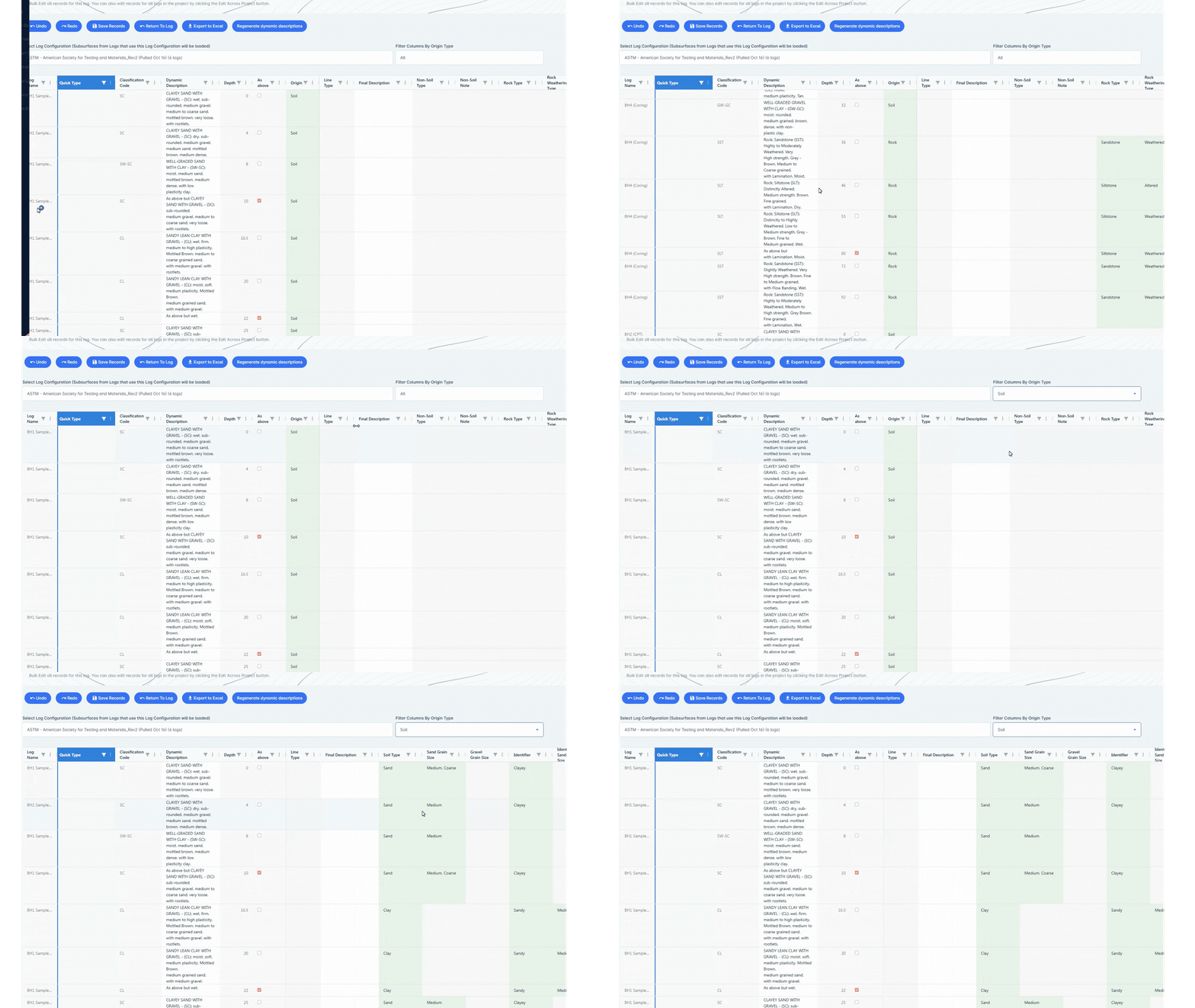
Designed for High Volume Office Workflows
The TabLogs Desktop App includes structured bulk edit tables that enable fast, accurate borehole data entry from contractor logs, legacy PDFs, or centralized office teams. Built around depth based interval tables, it provides a structured data environment designed for speed, consistency, and scalable project delivery.
- Structured Depth Interval Tables - Enter and edit lithology, sampling, groundwater, recovery, and testing data within organized depth based tables designed specifically for borehole logging.
- Multi Interval Editing - Apply changes across multiple depth intervals at once to reduce repetitive entry and accelerate high volume data input.
- Rapid SPT Capture - Record SPT values efficiently within structured inputs built for office based workflows.
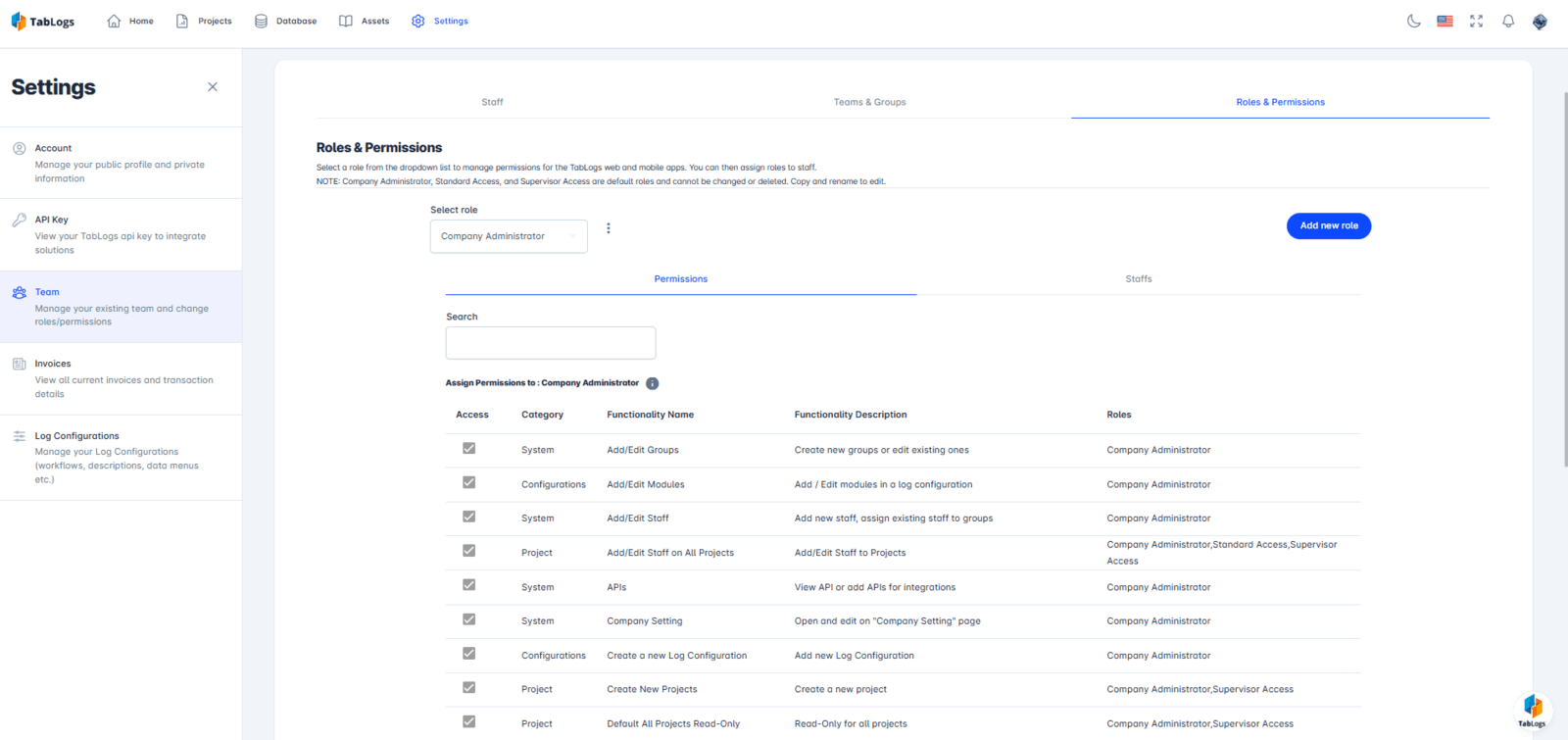
Manage Projects, Teams, and Drill Rigs in One System
TabLogs centralises geotechnical project management in a single office-based system. Project managers can set up projects, assign teams, manage permissions, and coordinate drill rigs and drilling suppliers without relying on spreadsheets or disconnected tools. Drill rigs and suppliers can be viewed, added, and managed across projects, making it easier to plan investigations, schedule work, and reuse trusted resources. All project information remains accessible to the office team, providing clear oversight of responsibilities, resources, and timelines.
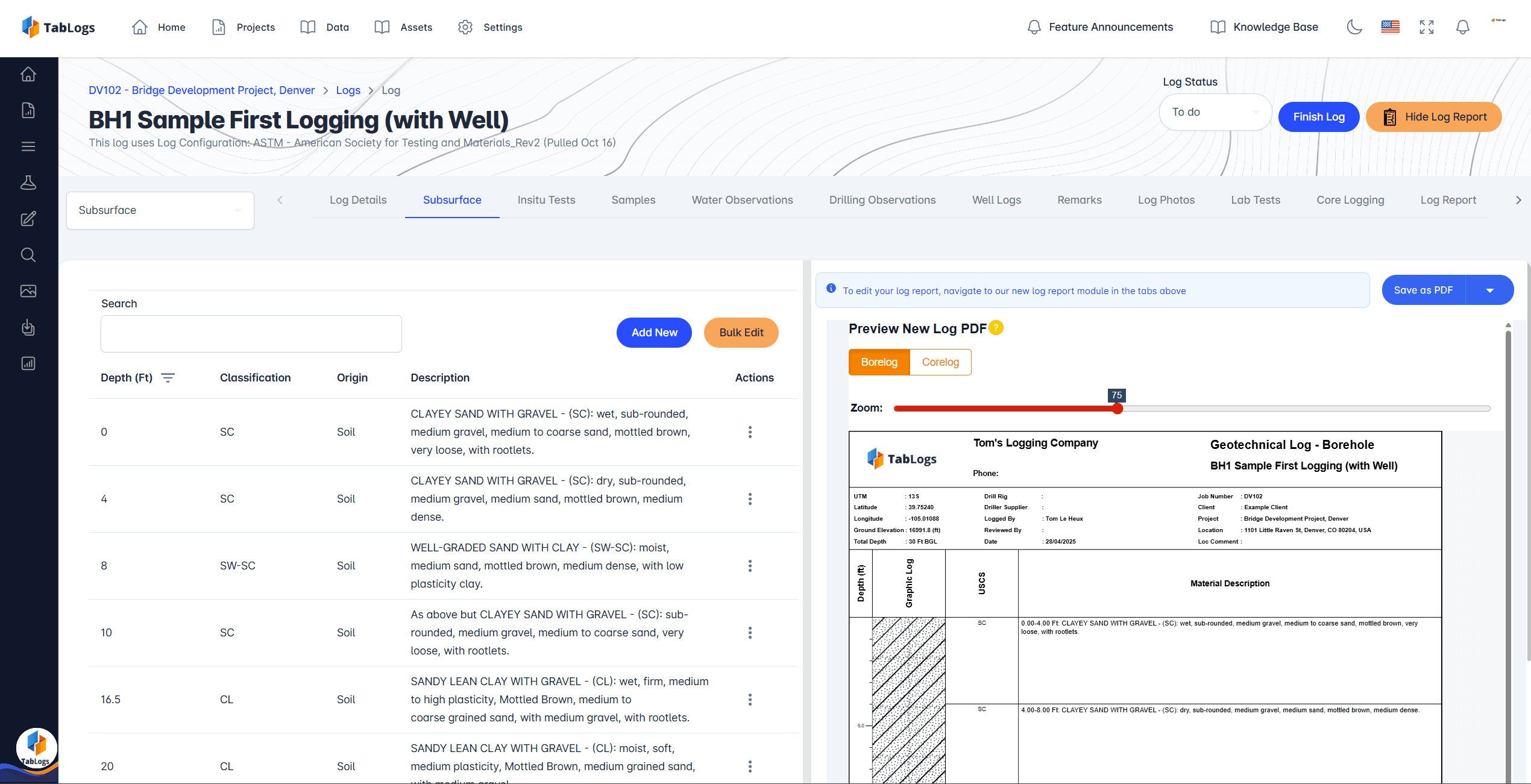
Review, QA, and Standardise Subsurface Data
TabLogs allows office-based engineers to review and quality check subsurface data as it is collected in the field. Borehole logs, test results, and observations flow directly into the desktop application, where they can be validated for completeness, consistency, and compliance with internal standards. Office reviewers can identify data gaps, inconsistencies, or issues early, reducing the risk of costly revisions later in the project lifecycle. Standardised data structures ensure consistency across projects, regardless of who collected the data or where the work was performed. This creates a reliable system of record for subsurface data that supports confident technical decision making.
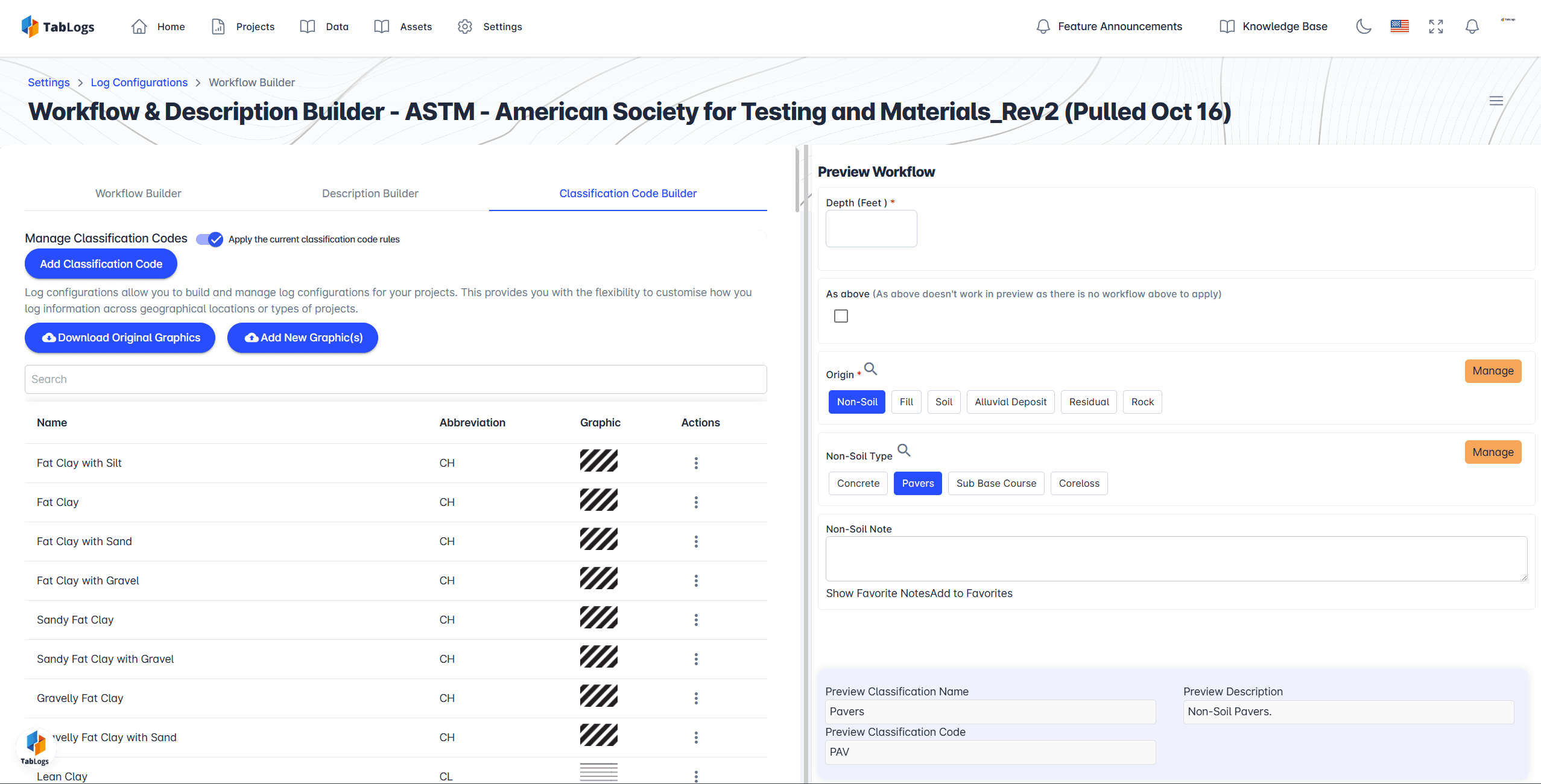
Custom Office Workflows Built for Geotechnical Teams
Every geotechnical organisation works differently. TabLogs Desktop includes a dynamic workflow builder that allows office teams to configure workflows that match their internal processes and project requirements. Workflows can be tailored for geotechnical investigations, environmental site assessments, and laboratory coordination. Steps such as data review, approvals, reporting milestones, and handovers can be clearly defined and automated. Office teams gain full visibility into project status, outstanding tasks, and upcoming deliverables, ensuring nothing is missed and projects move forward efficiently.
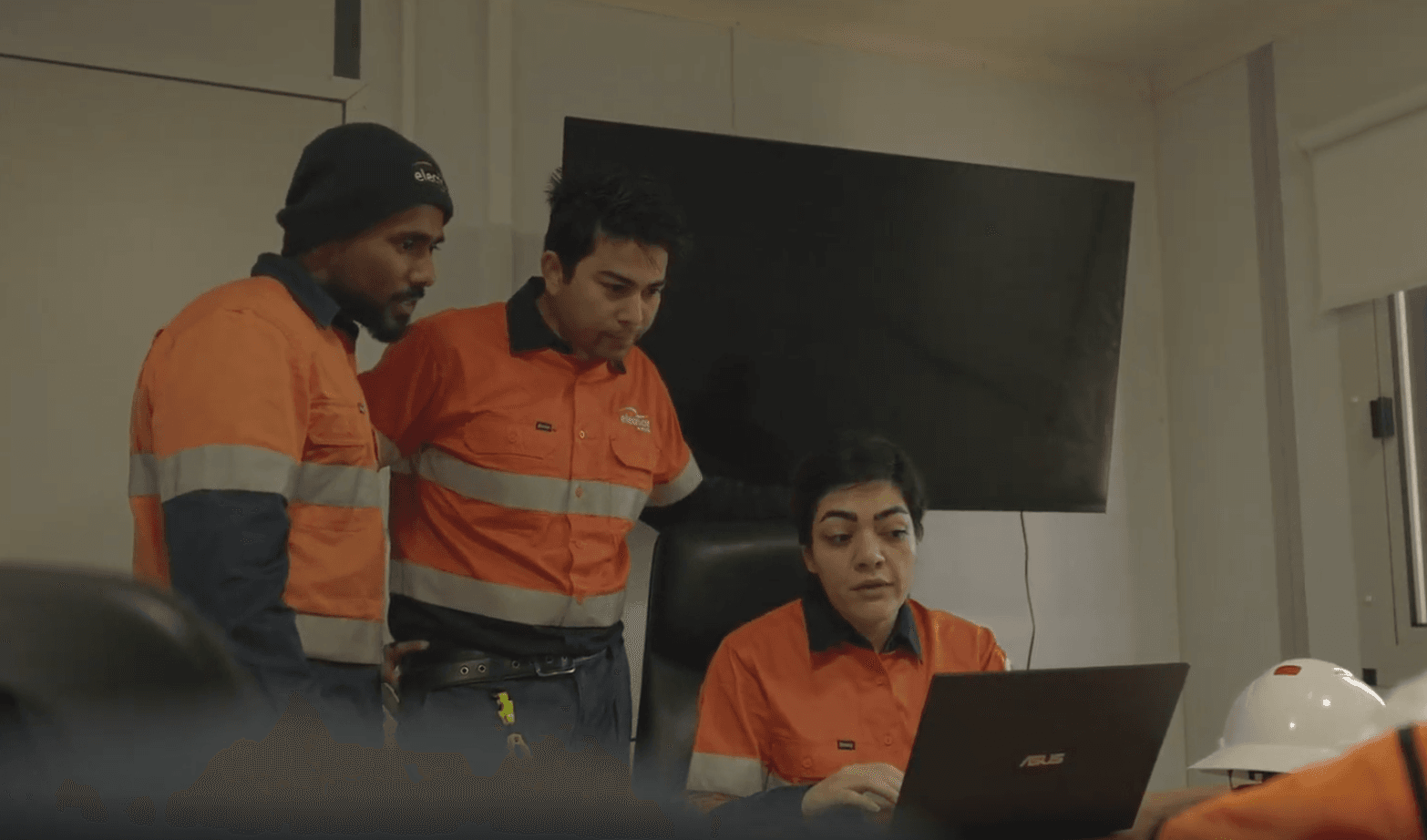
Office oversight of field investigations in real time
Even when project managers cannot be on site, TabLogs Desktop provides real time visibility into field activities. Office teams can monitor progress, review incoming data, and provide guidance as investigations unfold. This real time oversight helps reduce downtime, prevents miscommunication, and allows issues to be addressed before they escalate. Office staff can stay connected to multiple sites simultaneously, improving efficiency without compromising quality.
- Status updates
- Send requests
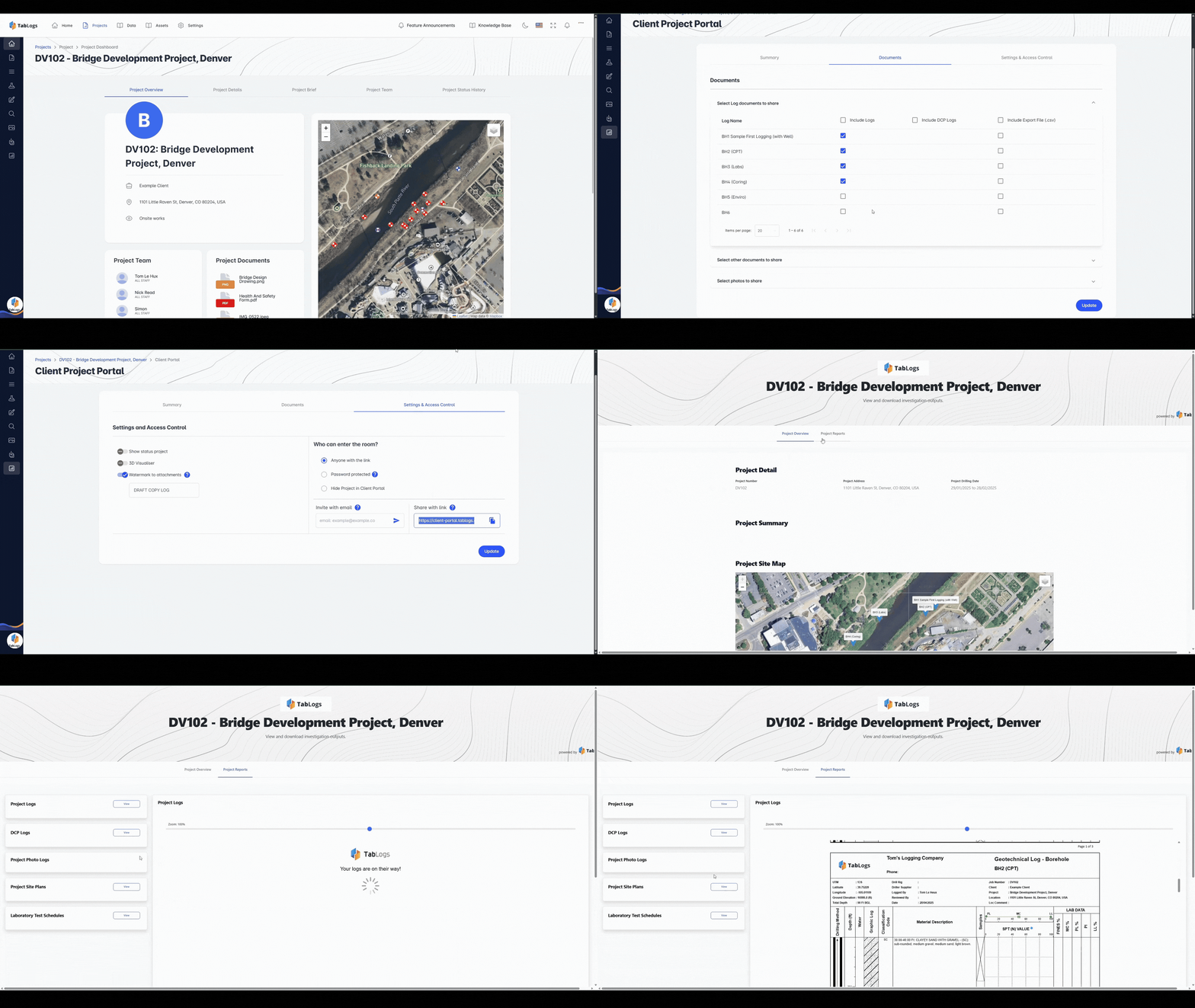
Client Portal for Transparent Project Communication
The TabLogs Client Portal gives office teams a controlled way to share project information with clients throughout an investigation. Clients can access approved borehole logs, test results, and key documents without relying on email updates. Access is fully controlled by your team, ensuring sensitive data is shared appropriately. The portal can also be branded to reflect your organisation, delivering a professional and transparent client experience. This reduces back and forth communication while keeping clients informed and confident in the progress of their projects.
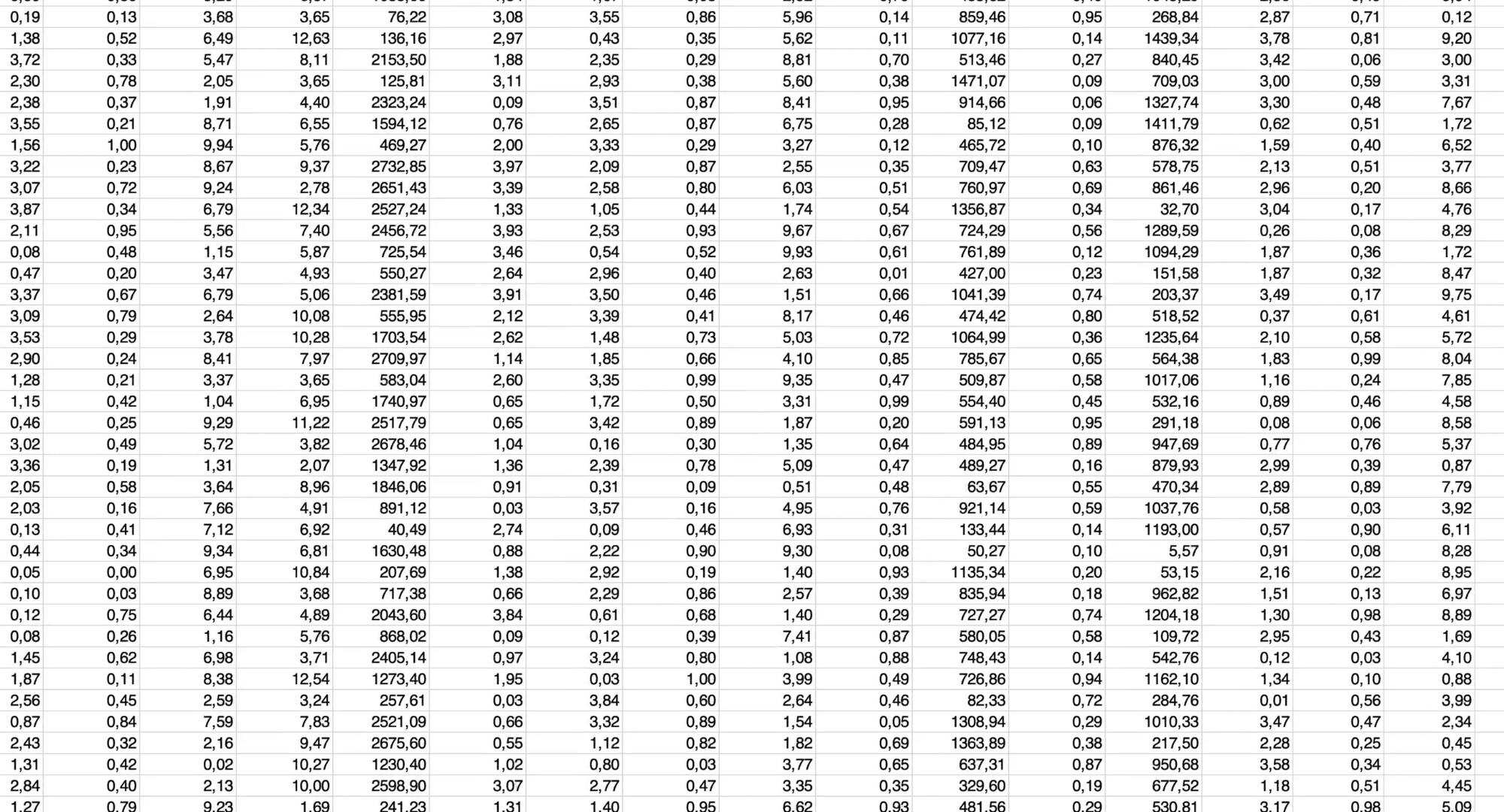
Replace Spreadsheets and Legacy Geotechnical Software
Many geotechnical teams still rely on spreadsheets, disconnected desktop tools, or legacy systems to manage investigations. TabLogs Desktop replaces these fragmented workflows with a single, modern platform designed specifically for geotechnical and environmental projects. By centralising planning, data management, workflows, and reporting, TabLogs reduces errors, improves consistency, and creates a more efficient office environment.

Built for Office Based Geotechnical Professionals
TabLogs is designed for the people who manage and deliver geotechnical projects from the office, including:
- Geotechnical project managers
- Senior and principal engineers
- Office based reviewers and QA staff
- Technical directors and managers
Ready to streamline your project management?
Start managing your geotechnical projects more efficiently today.